

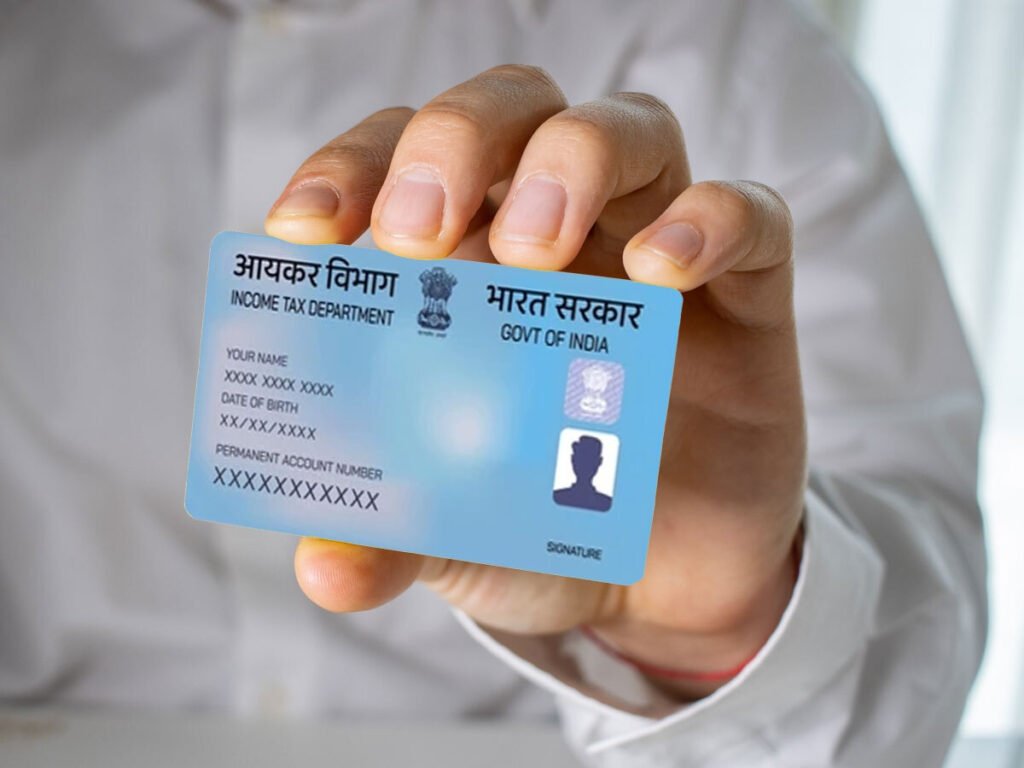
While many taxpayers are eagerly awaiting their tax refunds, over 1.3 lakh individuals have hit a bureaucratic wall. The Finance Ministry recently revealed that hundreds of crores in refunds are currently being withheld—not because of tax evasion, but due to inoperative PAN cards.
If you haven’t linked your PAN with your Aadhaar, your refund is likely part of the ₹340.30 crore currently sitting in the government’s “on hold” pile.
Why the Government Is Freezing Refunds
Under Section 139AA of the Income Tax Act, linking your PAN with Aadhaar is mandatory for all individual taxpayers (with a few exceptions). When you miss the deadline, your PAN becomes “inoperative.”
-
The “Half-Valid” Status: You can still file your Income Tax Return (ITR) with an inoperative PAN. The department will even process it.
-
The Catch: While they acknowledge your return, they are legally barred from issuing any refunds until the PAN is reactivated.
-
The Penalty: Over 9.25 crore PANs are currently inactive, and the government has already collected over ₹2,300 crore in late fees from those trying to fix the issue.
The Domino Effect of an Inoperative PAN
A frozen PAN doesn’t just stop your refund; it triggers a series of financial headaches:
-
Higher TDS: Tax will be deducted from your income at a much higher rate (often 20%).
-
Zero Interest: You will not receive any interest on your delayed refund for the period your PAN was inoperative.
-
Financial Friction: You may struggle to open bank accounts or invest in stocks and mutual funds.
How to Get Your Refund Moving Again
If your PAN is inoperative, your refund will stay stuck indefinitely until you take action. Here is the process to “unfreeze” your status:
1. Pay the ₹1,000 Late Fee Go to the e-Pay Tax section on the Income Tax portal. Select Minor Head 500 (Other Receipts) under the Major Head 0021 (Income Tax other than Companies).
2. Wait for the Payment to Sync It usually takes 4 to 5 working days for the payment to reflect in the tax department’s records. Do not try to link immediately after paying.
3. Submit the Linking Request Once the payment is reflected, go to the “Link Aadhaar” tab on the e-filing homepage and submit your details.
4. Verification The department will verify your details with UIDAI. Once the linking is successful, your PAN will become “Operative” again within a few days.
Summary Table: PAN-Aadhaar Linking Checklist
