

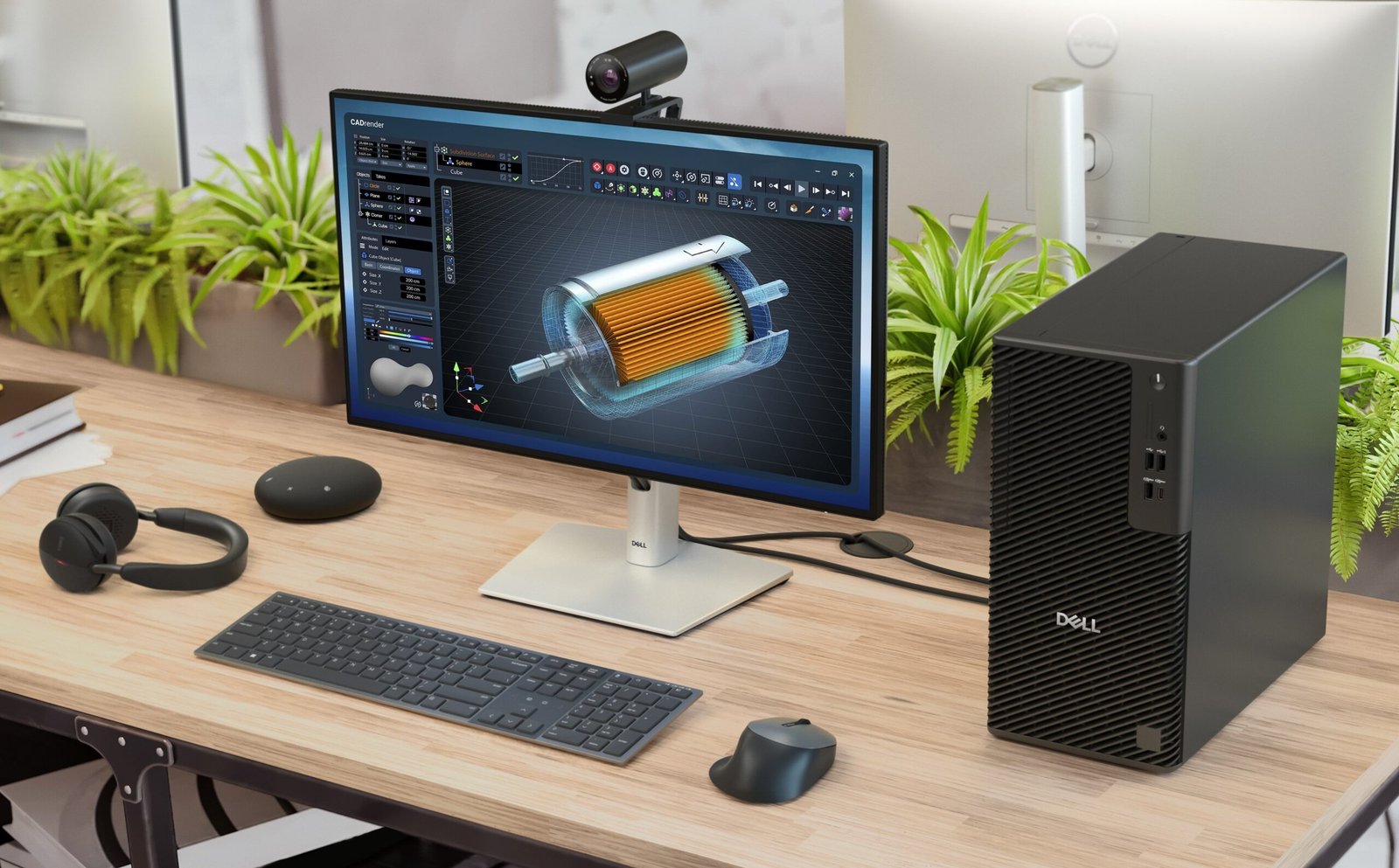
After spending two weeks testing the Dell Pro Precision 7 16, it is clear that this mobile workstation is built for serious productivity. Featuring a spacious 16-inch touchscreen, robust multitasking performance, and reliable all-day battery life, it handles demanding office workflows with ease. However, its substantial weight and premium pricing mean it is better suited as a desktop replacement rather than a travel-friendly notebook.
Here is a comprehensive breakdown of how it performs across design, performance, battery life, and everyday usability.
Key Specifications of the Review Unit
-
Processor: Intel Core Ultra 7 vPro (with integrated NPU for on-device AI tasks)
-
Graphics: Integrated Intel Graphics
-
RAM: 32 GB DDR5
-
Storage: 512 GB NVMe SSD
-
Display: 16-inch Ultra High Definition Plus (WQUXGA tandem OLED) touchscreen
-
Ports: Thunderbolt 5 (x2), Thunderbolt 4 (x1), HDMI 2.1
-
Weight: 2.17 kg
-
Operating System: Windows 11 Pro
Design & Portability: Built for the Desk
The Dell Pro Precision 7 16 features a clean, professional aesthetic with a slim profile. However, its thin build is deceptive: at 2.17 kg, it feels heavy to carry around regularly.
-
The Desk vs. Travel Trade-off: During testing, the weight made it far more practical to leave stationed on a work desk rather than toss into a backpack for daily commutes or frequent meetings.
-
Ergonomics: The 16-inch chassis allows for a spacious, centrally aligned keyboard layout with deep, tactile key travel. Combined with an expansive, highly accurate trackpad and comfortable palm rests, it supports multi-hour typing marathons without wrist or shoulder strain.
Display & Touchscreen
The 16-inch display is one of the laptop’s standout features.
-
It offers a vast digital workspace, functioning almost like an external monitor when managing multiple browser tabs, research documents, and side-by-side windows.
-
The integrated touchscreen is smooth and responsive, adding a layer of intuitive interaction for scrolling, zooming, and navigating documents. (Note: Professionals working with color-critical design or video editing should verify color gamut and panel specifications based on their chosen configuration).
Performance & Multitasking
Equipped with the Intel Core Ultra 7 vPro processor and 32 GB of RAM, the review unit effortlessly powered through heavy multi-tab web research, document drafting, and background syncing without stuttering or requiring app closures.
-
On-Device AI: The built-in NPU and GPU handle AI features—like automated video framing, background noise suppression via Dell Optimizer, and Windows Studio Effects—smoothly in the background. While everyday productivity is driven primarily by the strong core hardware, the dedicated AI silicon is well-positioned for local machine learning workflows.
-
Thermal Performance: For writing and multi-tab browsing, the chassis remained cool, and the dual-fan cooling system operated in near-silent whispers. However, users pushing the machine with continuous 100% computational loads or discrete GPU rendering can expect the fans to spin up audibly.
Battery Life
Battery performance proved remarkably reliable. During a standard work routine consisting of heavy web research across dozens of tabs, note-taking, and continuous writing, a single charge easily carried through a full working day with headroom to spare.
-
Note: Real-world battery endurance will vary depending on screen brightness settings, OLED panel power draw, and whether your specific model includes a power-hungry discrete graphics card.
Ports & Connectivity
Connectivity is a major asset for a workstation setup. The laptop includes:
-
Two Thunderbolt 5 ports and one Thunderbolt 4 port (supporting both power delivery and video output)
-
Standard HDMI 2.1 port
This robust selection allows users to hook up external high-resolution monitors, fast storage drives, and power bricks directly without constantly hunting for dongles or adapters.
Pros and Cons
Pros:
-
Exceptional Multitasking: 32 GB RAM and Core Ultra 7 processor handle heavy daily workloads seamlessly.
-
Spacious 16-Inch Display: Crisp OLED screen with smooth, responsive touch capabilities.
-
Reliable Battery Life: Easily powers through a full workday on a single charge.
-
Comfortable Input Deck: Centrally aligned keyboard with satisfying key travel and a large, accurate trackpad.
-
Flexible I/O: Modern Thunderbolt 5 and HDMI 2.1 port selection.
Cons:
-
Heavy Portability: At over 2 kg, it is better suited as a stationary desk setup than a travel companion.
-
High Price Tag: Positioned as a commercial workstation, pricing starts at approximately ₹2,25,000 in India.
-
Integrated Graphics Limits: Base configurations with integrated graphics are not optimized for heavy GPU-bound rendering or CAD workloads.
Final Verdict: Who Should Buy It?
Buy it if:
You are a professional who spends the majority of your workday at a fixed desk, relies on heavy multitasking across numerous apps and browser tabs, and values a large, gorgeous touchscreen paired with all-day battery life.
Skip it if:
You travel frequently and prioritize light portability, or if your daily routine is limited to basic emailing and document viewing (in which case lighter, more affordable business laptops make more sense). Similarly, if your work depends on intense 3D rendering or GPU-heavy visualization, ensure you configure the laptop with dedicated workstation graphics rather than integrated graphics.
