

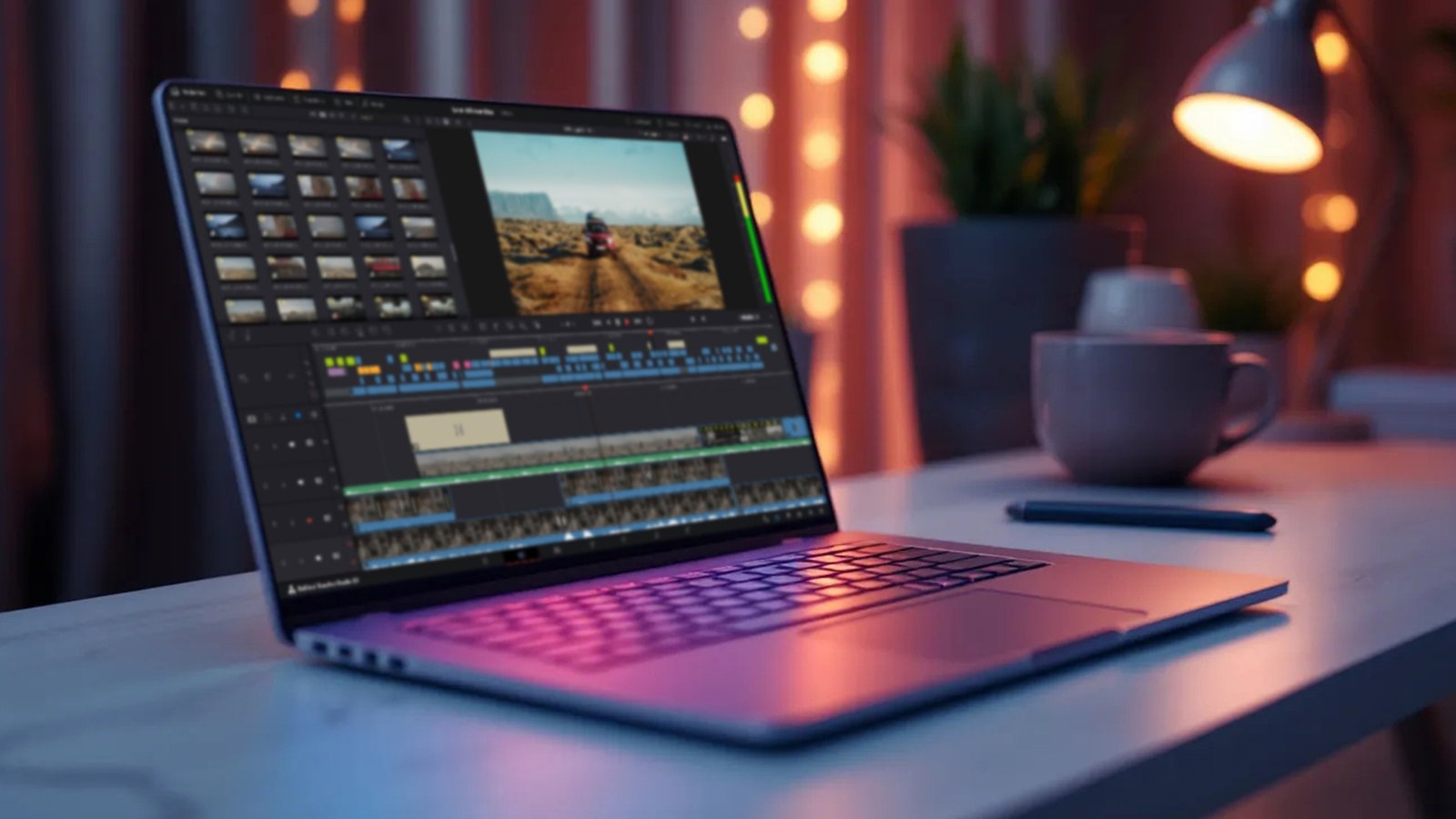
Every modern laptop advertisement promises the world to creative professionals. Flashy marketing campaigns boast about blistering processor speeds and stunning color accuracy, leading filmmakers, animators, and visual effects artists to believe they can seamlessly edit high-bitrate video anywhere.
However, anyone who has ever dropped a raw 4K clip into a timeline knows the painful reality: thermal throttling.
Video editing, color grading, and 3D rendering are some of the most grueling tasks a computer can perform. When a laptop’s internal cooling system cannot keep up with the intense heat generated by the CPU and GPU, the system intentionally slows itself down to prevent permanent hardware damage. The result? Dropped frames, freezing timelines, and render times that stretch from minutes into agonizing hours.
To separate genuine workstation power from overhyped ultra-portables, we look at four premium machines that balance raw processing capabilities with advanced thermal engineering to keep your 4K workflows running cool and smooth.
1. The Ultimate Studio Workhorse: ASUS ProArt P16 OLED
For creators whose timelines are packed with multi-camera 4K setups, heavy color grading, and complex visual effects layers, the ASUS ProArt P16 OLED is a masterclass in portable desktop performance.
-
The Hardware: Driven by the cutting-edge AMD Ryzen AI 9 HX 370 processor and paired with a massive 16GB NVIDIA GeForce RTX 5080 dedicated graphics card, this machine possesses the raw power needed for intensive rendering pipelines. It also boasts a sprawling 64GB of LPDDR5X RAM and a 2TB SSD, ensuring that memory-hogging applications like Adobe Premiere Pro or DaVinci Resolve never run out of breathing room.
-
The Thermal Strategy: ASUS bypasses standard cooling designs in favor of a specialized, high-capacity Vapor Chamber Thermal System. By distributing heat rapidly across a flattened chamber rather than relying solely on traditional copper heat pipes, the ProArt P16 handles prolonged rendering loops without choking performance.
-
The Display: Visuals are handled by a glorious 16-inch 4K OLED touchscreen that delivers pitch-black contrast ratios and exceptional color accuracy, making it entirely safe for broadcast-level color grading.
-
The Catch: Weighing in at 1.95 Kg and carrying a premium price tag, it is a significant financial and physical investment.
2. The Mobile Efficiency King: Apple MacBook Pro 16″ (M5 Pro)
If your workflow requires you to edit footage directly on location—be it a film set, a coffee shop, or an airplane tray table—the 16.2-inch Apple MacBook Pro remains the gold standard for portable content creation.
-
The Hardware: Built around Apple’s custom M5 Pro silicon architecture, this laptop features an 18-core CPU and a 20-core GPU. Coupled with 24GB of Unified Memory and a blistering-fast 1TB SSD, it handles multi-stream 4K ProRes timelines with astonishing fluid ease.
-
The Thermal Strategy: Apple’s triumph doesn’t stem from brute-force fans, but from architectural efficiency. Because the M5 Pro chip consumes a fraction of the wattage required by traditional x86 processors, it generates significantly less heat from the start. Under heavy load, the internal fans spin at a low, nearly silent whisper, and unlike its Windows competitors, the MacBook Pro delivers 100% of its editing performance even when running entirely on battery power.
-
The Display: The Liquid Retina XDR screen offers breathtaking peak brightness levels and extreme dynamic range, which is critical for mastering HDR content.
-
The Catch: Apple’s unified memory architecture is non-upgradable after purchase, requiring you to carefully anticipate your hardware needs beforehand.
3. The Ultra-Lightweight Traveler: Lenovo Yoga Slim 9
Not every content creator needs to render full-length feature films with heavy VFX. For travel vloggers, social media managers, and documentary filmmakers who prioritize mobility, the Lenovo Yoga Slim 9 offers an intriguing balance of style and speed.
-
The Hardware: Powered by the highly efficient Intel Core Ultra 7 258V processor with integrated Intel Arc Graphics, this ultra-slim laptop comes configured with 32GB of RAM and a 1TB SSD.
-
The Thermal Strategy: Weighing a mere 1.2 Kg, this laptop relies on a carefully tuned, low-profile active airflow design. While it cannot match the sustained cooling capacity of thick gaming rigs, its smart AI-driven thermal optimization effortlessly prevents overheating during straight cuts, audio mixing, and typical b-roll assembly.
-
The Display: It features a striking 14-inch 4K WQUXGA OLED touchscreen with an expansive 98% screen-to-body ratio, made possible by an innovative camera-under-display engineering layout.
-
The Catch: Lacking a dedicated graphics card, it will struggle and likely throttle if forced to handle dense 3D compositions or intensive multi-layered timeline rendering.
4. The Hybrid Creator Convertible: HP OmniBook Ultra Flip
For directors who like to storyboard, designers who sketch, and editors who want a hybrid tool that adapts to different environments, the HP OmniBook Ultra Flip provides an incredibly versatile 2-in-1 convertible experience.
-
The Hardware: This machine utilizes the Intel Core Ultra 7 256V AI-accelerated processor, utilizing 16GB of integrated LPDDR5X memory and a 1TB SSD to power through day-to-day creative productivity tasks.
-
The Thermal Strategy: HP has implemented next-generation ultrabook thermals into this flexible chassis. The internal cooling fan profiles are intricately tied to the laptop’s orientation, ensuring that whether it is being used in standard laptop format, propped up in tent mode, or folded flat as a graphics tablet, airflow vents remain unblocked and heat dissipation remains constant.
-
The Display: Creators get a vibrant 14-inch 3K OLED touchscreen pushing 500 nits of brightness, rendering it highly legible even when reviewing footage outdoors under bright ambient lighting.
-
The Catch: The 16GB RAM limitation prevents this machine from acting as a primary station for dense, heavily composited 4K video project timelines.
The Final Verdict: Matching Machine to Timeline
Choosing the right laptop depends entirely on the complexity of your creative timeline.
If your work demands uncompromised rendering speeds, heavy plug-in usage, and a zero-throttling guarantee under the heaviest workloads, the ASUS ProArt P16 OLED is an unmatched studio companion. If you require true battery independence and a quiet machine that can edit raw footage on location all day long, the Apple MacBook Pro 16″ is a flawless selection. Finally, if you are a run-and-gun story teller who treats portability as paramount, the compact footprints of the Lenovo Yoga Slim 9 or HP OmniBook Ultra Flip will reliably capture and edit your vision without bogging you down.
