

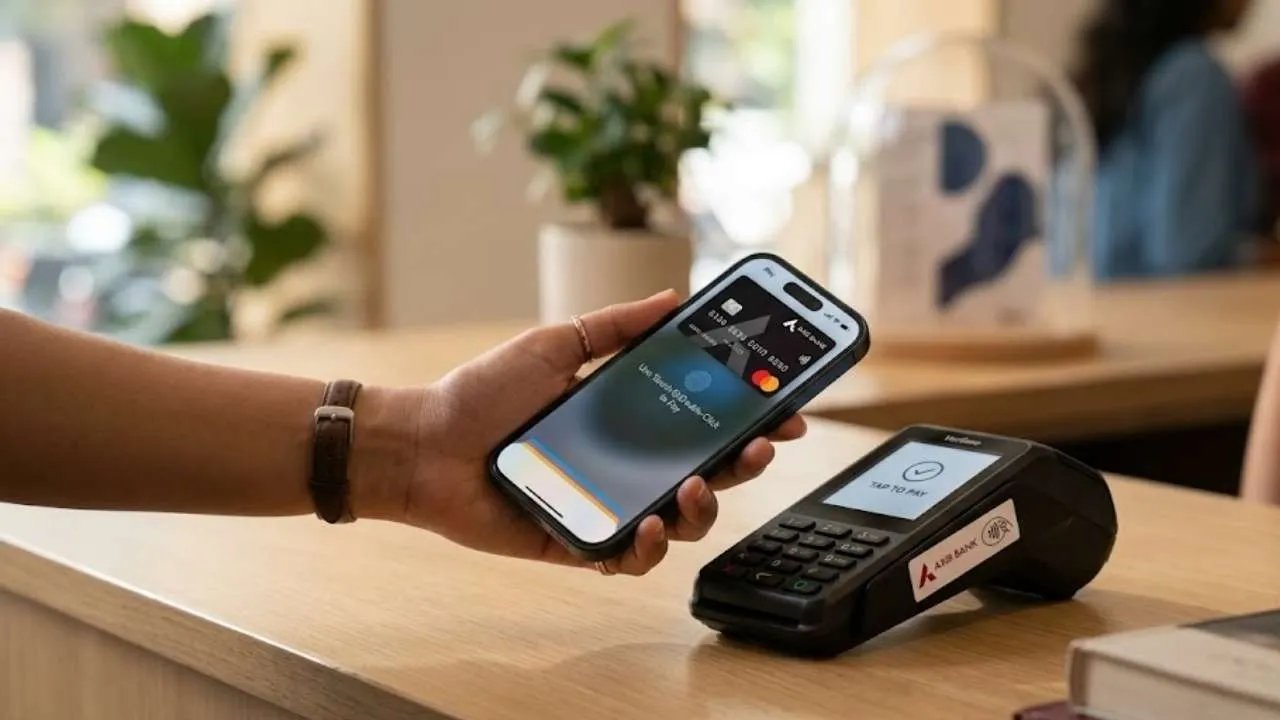
Apple Pay has officially launched in India, bringing tap-to-pay and digital checkout capabilities to Apple ecosystem users. However, because the service is rolling out in phases, eligibility depends strictly on your bank, card network, and hardware.
1. Bank and Card Eligibility
At launch, Apple Pay support is strictly limited to Axis Bank:
-
Supported Cards: Eligible Axis Bank Visa and Mastercard Credit Cards (such as Axis Flipkart, Magnus, Atlas, My Zone, Neo, etc.).
-
What is NOT Supported Yet:
-
Axis Bank Debit Cards
-
Axis Bank RuPay Credit Cards
-
Credit or debit cards from any other Indian bank (such as HDFC, ICICI, SBI, Kotak, etc., though broader bank partnerships are expected in future updates).
-
2. Device and Software Eligibility
To use Apple Pay on your device, you must meet the following hardware and software prerequisites:
-
iPhone: iPhone XR or newer running iOS 18 or later.
-
Apple Watch: Apple Watch Series 6 or newer running watchOS 11 or later (paired with a compatible iPhone).
-
iPad: Supported iPad models with Touch ID or Face ID for in-app and web checkouts.
-
Mac: Support for Mac computers and laptops is coming in a future macOS update.
How to Add Your Card
If you have an eligible Axis Bank credit card and a compatible device, setting it up takes just a minute:
-
On your iPhone: Open the Wallet app $\rightarrow$ tap the + (Add) button $\rightarrow$ select Debit or Credit Card $\rightarrow$ follow the on-screen steps to enter your card details and complete verification.
-
On your Apple Watch: Open the Apple Watch app on your paired iPhone $\rightarrow$ go to the My Watch tab $\rightarrow$ tap Wallet & Apple Pay $\rightarrow$ select Add Card and follow the prompts.
