

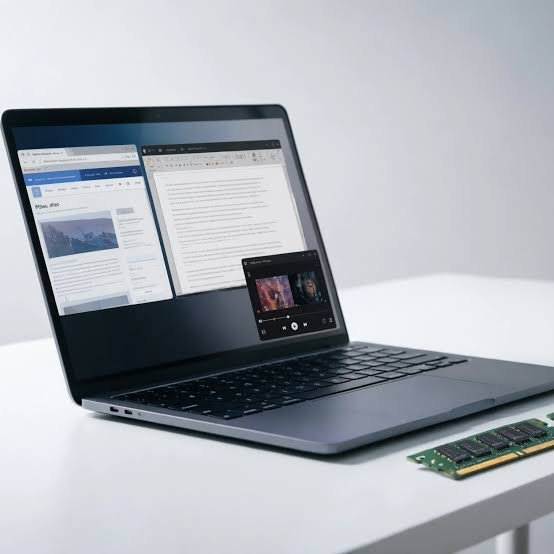
When shopping for a new laptop, comparing processors, storage, and displays is standard practice, but RAM is often overlooked until performance starts to dip under heavy workloads. With many modern thin-and-light laptops featuring soldered RAM—meaning memory cannot be upgraded later—choosing the right capacity at purchase is more crucial than ever.
Here is a breakdown of how much memory you actually need based on daily multitasking, gaming, and professional workflows.
1. 16GB RAM: The Sweet Spot for Most Users
For everyday productivity, studying, office work, and media streaming, 16GB RAM remains the most sensible starting point.
-
What it handles well: You can comfortably juggle multiple browser tabs, office applications (Word, Excel), chat tools like Slack, and music streaming simultaneously without hitting memory bottlenecks.
-
Who it is for: Students, casual users, and general office workers.
-
The caveat: RAM doesn’t work in isolation; your overall system speed depends heavily on your processor and SSD. However, 16GB provides plenty of headroom to prevent slowdowns during typical multitasking.
2. 32GB RAM: Headroom for the Future and Heavy Workloads
The argument for 32GB RAM isn’t about making basic tasks feel drastically faster—it’s about enabling smoother, more demanding multitasking and future-proofing your machine.
-
The Browser Factor: If you routinely keep dozens of tabs open, run web-based apps, and rarely close anything, 16GB can fill up fast. Modern browser tabs act as heavy mini-applications (video calls, online editors, documents), making extra breathing room valuable.
-
Gaming: While 16GB is still sufficient for pure gaming, 32GB benefits players who game while running Discord, web browsers, or recording software in the background. However, your graphics card (GPU) remains the primary driver of gaming performance—don’t sacrifice GPU power just to upgrade to 32GB RAM.
-
Creators & Professionals: Video editors working with high-resolution footage, multi-layered effects, or heavy software suites (like Adobe Photoshop, Lightroom, and Premiere Pro) will see major stability benefits from 32GB. It prevents the system from having to constantly swap data to slower storage.
-
Who it is for: Power users, professionals handling complex projects, and anyone planning to keep their laptop for several years as software grows more demanding.
Do You Need More Than 32GB?
While 64GB+ options exist, they are generally overkill for standard productivity, web browsing, and entertainment. Such high capacities are typically reserved for specialized workloads like running multiple virtual machines, advanced 3D rendering, or massive data analysis. For everyone else, the extra money is better invested in components that offer a more tangible daily improvement.
The Bottom Line
Before paying a premium for 32GB RAM, evaluate your actual daily habits. If your workflow involves heavy media creation, complex multitasking, or long-term future-proofing, the extra investment makes sense. Otherwise, a well-configured 16GB laptop will comfortably handle your needs while saving you money.
