

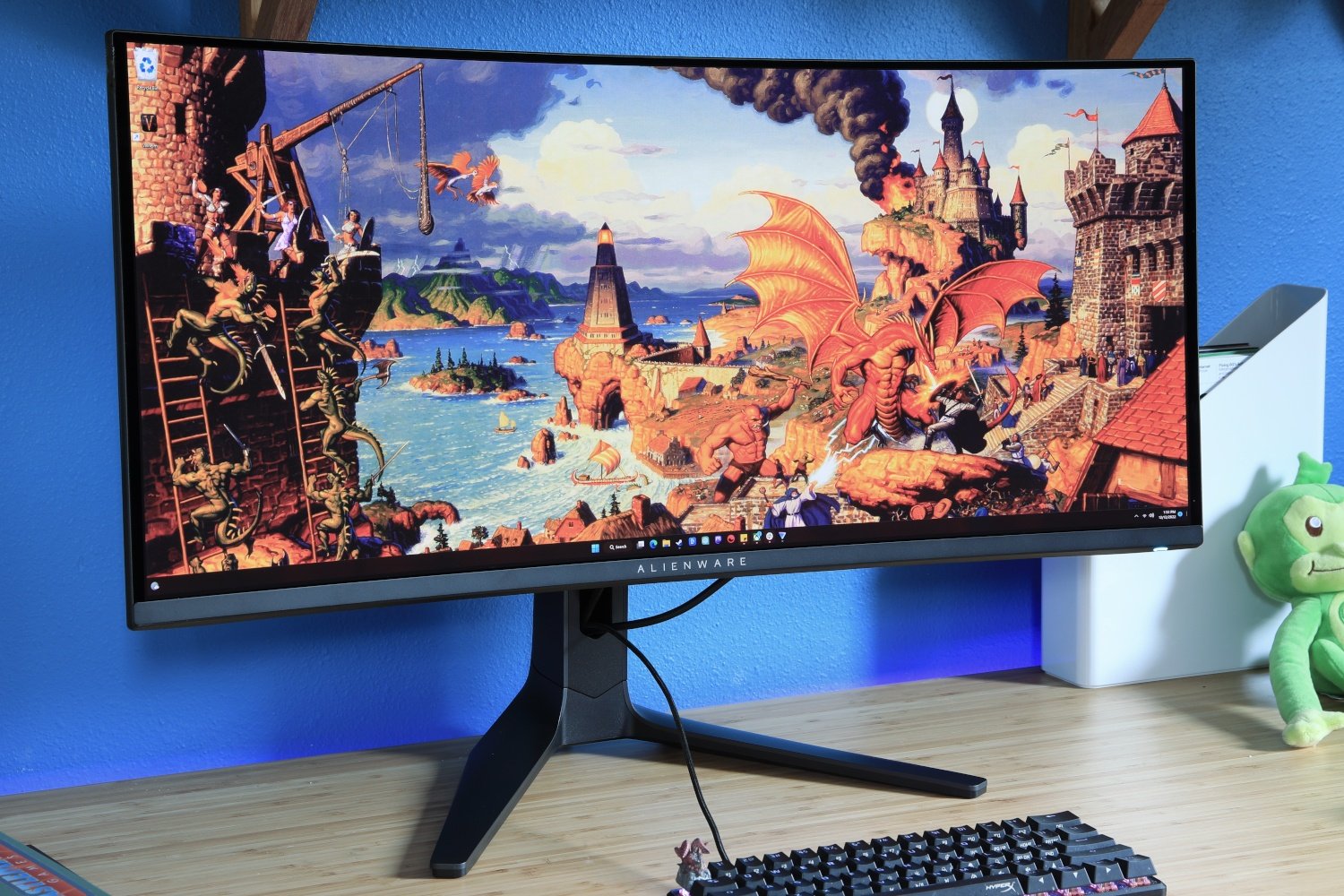
For PC gamers building out a desk setup, monitor upgrades often take a backseat to flashier hardware like graphics cards and processors. Yet, the display is the final destination for every single frame your computer renders—making it the most critical component for your actual viewing experience.
While a traditional 1080p resolution has been the reliable baseline for years, stretching those pixels across a standard 27-inch panel reveals clear physical limits: text loses its sharpness, distant in-game environments look fuzzy, and pixel structures become visible. Upgrading to a QHD (2560×1440) monitor adds roughly 78% more pixels to your field of view. This simple leap dramatically sharpens textures and increases your usable desktop screen real estate without demanding the extreme hardware performance tax required by native 4K gaming.
Technical Specifications Compared
Depending on whether you prioritize rich cinematic colors or split-second competitive reaction times, different display technologies offer distinct performance trade-offs:
| Monitor Model | Panel Technology | Refresh Rate | Response Time | Primary Ideal Use Case |
| MSI G274QPF-QD | Rapid IPS (Quantum Dot) | 170Hz | 1ms (GtG) | Hybrid color-accurate content creation and vibrant daily gaming. |
| MSI MAG 271QPX | Quantum Dot OLED | 240Hz | 0.03ms (Instant) | Ultra-premium cinematic single-player titles and elite pixel response. |
| Acer Nitro VG270U X1 | Standard IPS | Up to 200Hz | 1ms (GtG) | High-refresh-rate budget upgrading without high-tier costs. |
| Samsung Odyssey G7 | Curved VA / Fast IPS | 144Hz–240Hz | 1ms (GtG) | Immersive sim-racing, flight setups, and high-contrast dark rooms. |
| ViewSonic OMNI XG2431 | Fast IPS (FHD Baseline) | 240Hz | 0.5ms–1ms | Pure, hyper-competitive esports leagues (Valorant, CS2, Apex). |
Aligning Panel Types with Your Gaming Habits
-
Quantum Dot OLED (The Luxury Frontier): Representing the pinnacle of modern display hardware, panels like the MSI MAG 271QPX allow individual pixels to turn off completely. This creates infinite contrast lines and true, absolute blacks that legacy backlit monitors cannot match. Motion blur is entirely eradicated by near-instantaneous pixel response metrics.
-
Rapid IPS with Quantum Dot (The Color Workhorse): If you split your time between intensive gaming and digital creative work like photography or video editing, options like the MSI G274QPF-QD are incredibly balanced. The addition of Quantum Dot layers stretches color coverage significantly past standard monitors, ensuring environments remain vibrant and highly color-accurate.
-
High-Refresh Budget IPS (The Value Scaler): For players who want to break away from 1080p without breaking the bank, models like the Acer Nitro VG270U X1 pack immense value. Pushing up to a smooth 200Hz refresh rate on a 1440p canvas ensures your graphics card can stretch its legs without demanding a premium price tag.
-
Curved VA (The Simulation Specialized): Deeply curved panels wrap around your natural field of view, making racing simulators and flight setups feel much more lifelike. VA panel chemistry naturally provides far higher native contrast ratios than standard IPS monitors, making them perfect for dark-room gaming.
3 Core Checks Before Making the Switch
-
Audit Your Graphics Card: Driving a 1440p monitor requires noticeably more computing power than a standard 1080p layout. Ensure your GPU has the horsepower to handle the extra pixel density at your preferred frame rates.
-
Prioritize Refresh Rate Over Resolution for Esports: If your daily gaming consists entirely of competitive, twitch-reflex shooters where climb rankings matter most, frame fluidity is king. A hyper-fast 240Hz screen will serve you better than a slower, pixel-dense display.
-
Don’t Ignore Workspace Ergonomics: Shifting to high-refresh-rate gaming naturally translates to longer, more comfortable sessions. Look for monitor frames that offer robust height, tilt, and swivel adjustments—or VESA mount compatibility—to protect your posture.
