

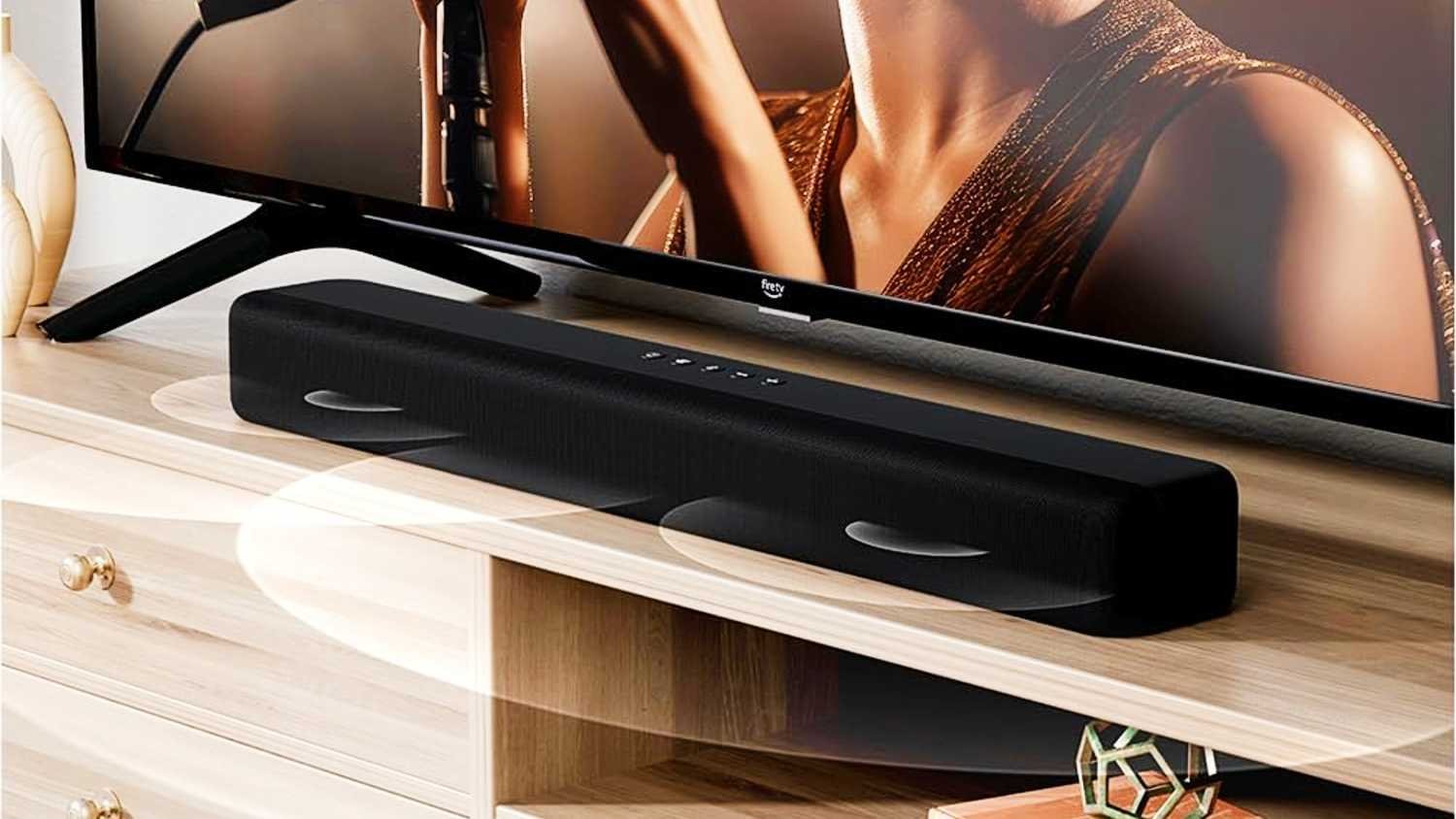
When buying a new TV and soundbar, many people assume that plugging them together automatically delivers great sound. However, a great soundbar can sound surprisingly average if it is connected to the wrong ports or configured with improper settings. To avoid common compatibility pitfalls and get the most out of your home theater setup, keep these critical considerations in mind before buying:
1. Check Your Ports: HDMI ARC vs. eARC
The port you use to connect your TV and soundbar significantly impacts audio quality:
-
HDMI ARC (Audio Return Channel): Transmits compressed, good-quality audio through a single HDMI cable. It works well for general streaming and everyday TV watching, but it cannot carry uncompressed, lossless audio formats.
-
HDMI eARC (Enhanced Audio Return Channel): Provides much higher bandwidth than standard ARC. It allows your TV to pass full, uncompressed, lossless audio formats (such as lossless Dolby Atmos) directly to your soundbar.
Tip: Make sure both your TV and soundbar feature eARC support if you want the highest possible sound quality and plan to watch movies with high-bitrate surround sound. Additionally, use a modern high-speed or ultra-high-speed HDMI cable to handle the higher bandwidth required by eARC.
2. Understand Format Support (Dolby Atmos & DTS)
A soundbar advertising Dolby Atmos can only play 3D surround sound if it receives the proper audio signal from your TV.
-
Check that your TV is capable of passing Dolby Atmos signals through its HDMI ARC/eARC output.
-
Make sure your TV’s audio settings are configured to pass surround sound through to external audio devices.
-
Keep in mind that immersive formats like Dolby Atmos are mostly found on specific streaming films and Blu-ray discs; if you primarily watch standard broadcast TV or YouTube, standard ARC is usually sufficient.
3. Enable One-Remote Control with HDMI-CEC
-
HDMI-CEC allows your TV remote to control the soundbar’s volume and automatically power it on or off alongside the TV.
-
Using CEC eliminates the need to constantly juggle multiple remotes in the living room.
-
Check your TV settings or user manual for HDMI-CEC (manufacturers often give this feature their own brand-specific marketing names).
4. Plug Gaming Consoles Directly into the TV
-
Some soundbars feature HDMI passthrough inputs, allowing you to connect a gaming console or media player directly into the soundbar and pass video on to the TV.
-
However, if the soundbar’s HDMI ports lack support for advanced video features (like high refresh rates or specialized HDR formats), it may strip those capabilities from your signal.
-
For gamers, it is best practice to plug consoles directly into the TV and pass only the audio signal out to the soundbar via HDMI eARC/ARC.
5. Prefer Wired HDMI over Bluetooth or Optical
-
Bluetooth: Convenient, but it compresses the audio signal and can introduce noticeable delay or lip-sync issues where speech lags behind video.
-
Optical Cable: A reliable fallback for older TVs lacking HDMI ARC, but it cannot carry Dolby Atmos or uncompressed audio, nor does it support remote synchronization via CEC.
-
HDMI (ARC/eARC): The best option for high audio quality, low latency, and single-remote convenience.
6. Measure Physical Space and Outlet Placement
-
Dimensions: Measure your TV stand and soundbar beforehand to ensure the soundbar does not overhang the stand or block the bottom edge of your TV screen.
-
Wireless Subwoofers & Rear Speakers: Check nearby wall outlet availability for wireless subwoofers or satellite rear speakers, as they still require dedicated power connections.
Summary Connection Comparison
| Feature | HDMI eARC | HDMI ARC | Optical | Bluetooth |
| Audio Quality | Highest (Lossless) | Good (Compressed) | Good / Basic Stereo | Lowest (Compressed) |
| Dolby Atmos | Yes (Lossless) | Yes (Usually Compressed) | No | No |
| Remote Sync (CEC) | Yes | Yes | No | Usually No |
| Audio Delay/Lag | Very Low | Very Low | Low | Noticeable on some pairs |
| Best Used For | Movie lovers & Atmos setups | Everyday streaming & TV | Older TVs without ARC | Quick, casual listening |
