

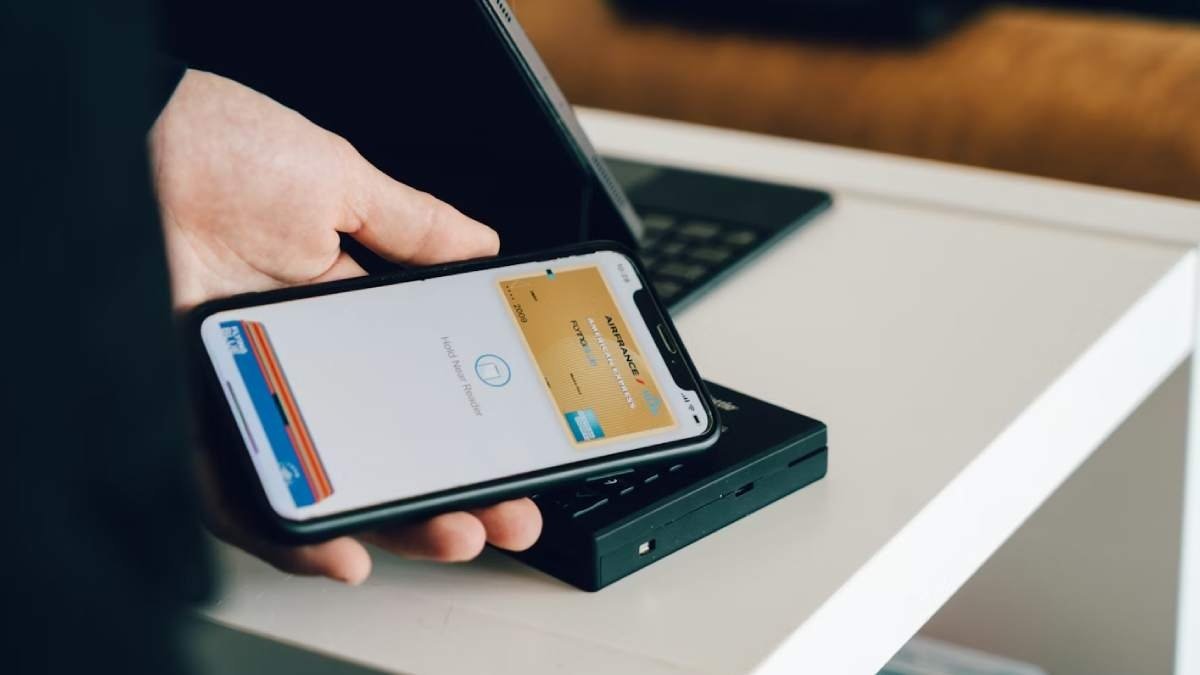
A sophisticated scam is currently spreading across the United States, utilizing fake Apple Pay fraud alerts to trick users into compromising their bank accounts. Security experts and Consumer Affairs are warning iPhone owners to remain vigilant against these high-pressure tactics.
How the Scam Works
The attack follows a classic “social engineering” blueprint designed to induce panic:
-
The Hook: You receive a convincing text message (SMS) claiming an unauthorized Apple Pay transaction has occurred or that your account has been locked.
-
The Bait: The message provides a “support” number. When called, a scammer—impersonating Apple Support or bank staff—claims your funds are in immediate danger.
-
The Sting: Using urgent language, they instruct you to move your money to a “safe account,” withdraw large sums of cash, or purchase gift cards to “protect” your assets.
Real-World Case: One victim was nearly convinced to withdraw $15,000 in cash before an observant bank teller intervened and stopped the transaction.
Critical Red Flags
Apple and security professionals highlight these specific warning signs:
-
Unsolicited Alerts: Receiving a text about account activity out of the blue.
-
Pressure Tactics: Demands to act “immediately” or “before it’s too late.”
-
Suspicious Instructions: Being told to lie to bank staff or move money to a different account.
-
Sensitive Requests: Asking for your Apple ID password, two-factor authentication (2FA) codes, or PINs.
How to Stay Safe
If you receive a suspicious message, follow these “Zero Trust” steps:
-
Don’t Use the Provided Number: Never call a phone number or click a link sent via text.
-
Verify via the Official App: Open the Wallet app on your iPhone. If there is a legitimate issue with Apple Pay, it will appear directly within the secure app.
-
Contact Your Bank Directly: Use the official customer service number located on the back of your physical debit or credit card.
-
Remember Apple’s Policy: Apple has officially stated they never send unsolicited texts asking users to call support or share sensitive credentials.
