

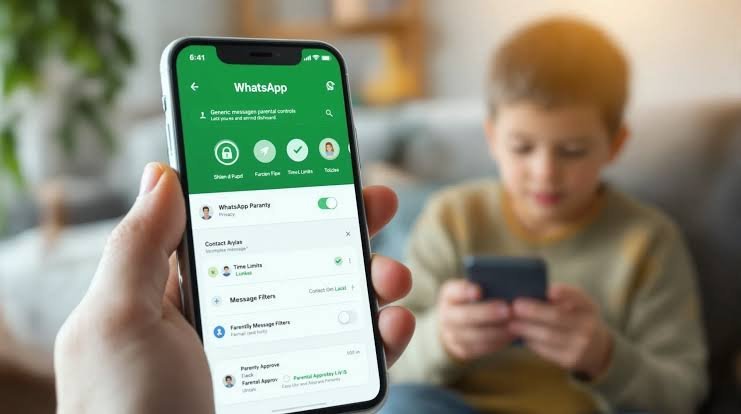
WhatsApp has officially begun rolling out a comprehensive suite of parental controls globally, with availability expanding to users in India over the coming days. Designed to make the platform safer for teenagers, the new features give parents greater oversight over privacy configurations, contact connections, and AI interactions—all while maintaining WhatsApp’s core end-to-end encryption for personal messages and calls.
Key Features of WhatsApp Parental Controls
-
Privacy Controls & Approvals: Parents can set restrictions on who can view their teen’s profile photo and who can add them to groups. Any attempts by the teen to modify these settings require approval via a parent-set PIN.
-
Activity Tracking & Notifications: Parents receive alerts when their teenager joins or leaves a group, when groups grow significantly in size, or when profile details change. Parents can also manage how teens interact with Channels and Status updates.
-
Meta AI Management: Parents can customize their teen’s Meta AI experience, choosing between the default 13+ setting and a stricter “Limited Content” option.
-
Privacy Guaranteed: WhatsApp explicitly notes that personal messages and calls remain fully protected by end-to-end encryption; parents cannot read messages or view call contents.
Activation & Setup Guide
Phase 1: Setting up on your Teen’s Phone
-
Update WhatsApp to the latest version on your teen’s device.
-
Open WhatsApp on your teen’s phone, go to Settings, and tap Parental controls, then select Continue.
-
Enter your teen’s date of birth to verify their age.
-
Tap Continue to initiate linking to a parent’s account.
Phase 2: Linking from the Parent’s Phone
-
Ensure WhatsApp is updated on your own phone.
-
Scan the QR code displayed on your teen’s device using your phone’s camera and follow the prompt to open WhatsApp.
-
Tap Continue, verify that you are an adult, and create a 6-digit parent PIN.
-
Confirm your PIN, tap Continue, and then tap Done to finish the link on your teen’s phone.
How to Manage Settings & Notifications
-
Changing Privacy Settings: Go to your teen’s phone $\rightarrow$ Settings $\rightarrow$ Parental controls $\rightarrow$ enter your Parent PIN $\rightarrow$ select Privacy Settings to adjust options (e.g., My contacts, Nobody, etc.).
-
Viewing Teen Activity: Open WhatsApp on your phone $\rightarrow$ Settings $\rightarrow$ Parental controls $\rightarrow$ select your teen’s account.
-
Managing Notifications: Open WhatsApp on your phone $\rightarrow$ Settings $\rightarrow$ Parental controls $\rightarrow$ select your teen’s account $\rightarrow$ tap More Options $\rightarrow$ Manage notifications to toggle specific alerts on or off.
