

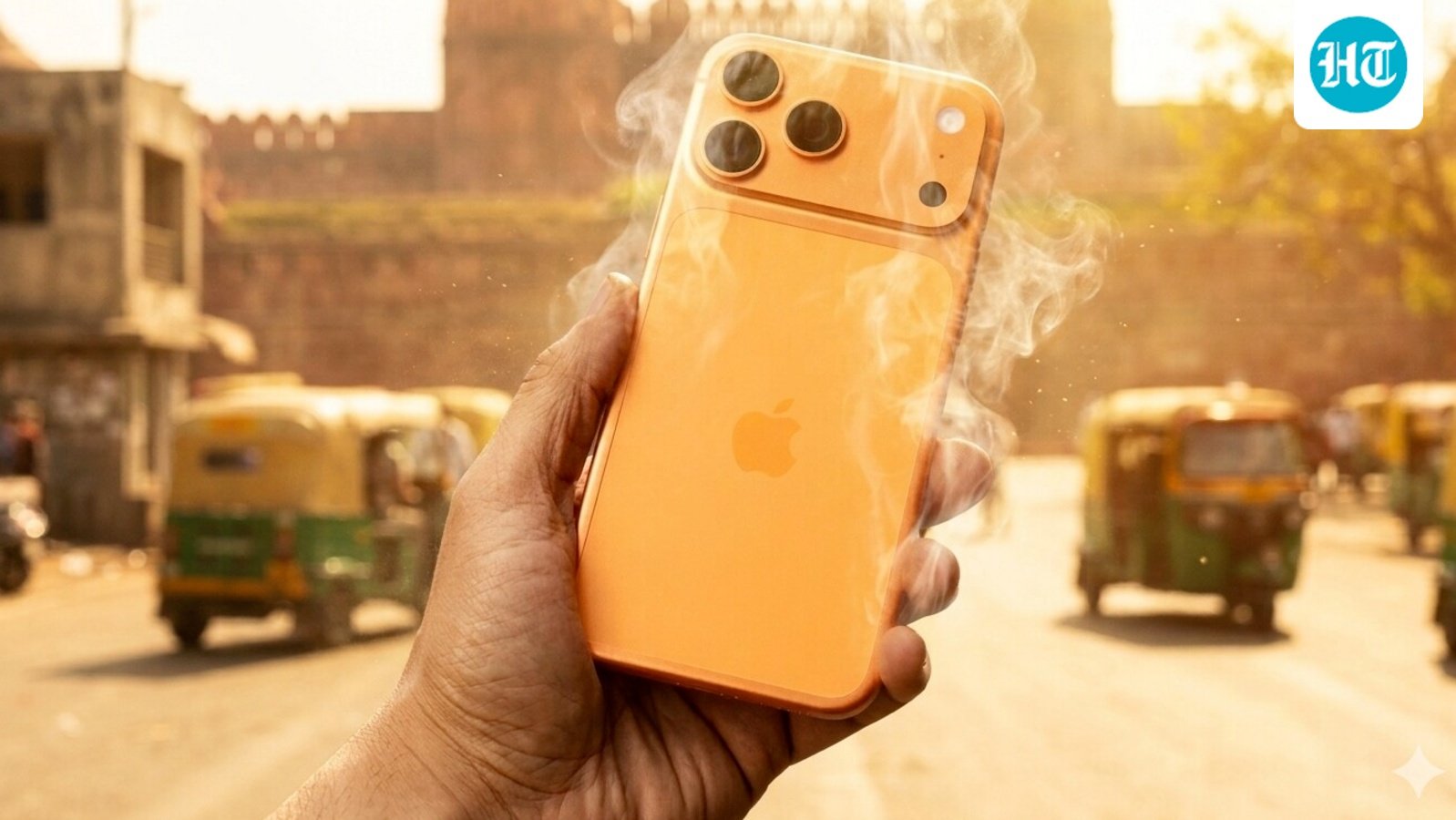
Peak summer has arrived, and with ninety-seven of the world’s hottest cities currently located in India, humans aren’t the only ones sweltering. Our gadgets are hitting their thermal limits, too.
Recently, prominent fitness influencer Chiraj Barjatya shared on X (formerly Twitter) that his iPhone 17 Pro Max completely refused to charge because the device had become too hot. While modern smartphones from Apple, Samsung, and Google have built-in safety features that halt charging to prevent a catastrophic meltdown, relying on these features is a risky game. Extreme heat can cause irreversible battery capacity degradation.
To keep your phone running smoothly when temperatures soar past 35°C (95°F), here is your heatwave survival guide.
1. Physical Charging Habits
How and where you juice up your phone during a heatwave can make or break its long-term battery health.
-
Strip the Case: Phone cases—especially thick rubber, leather, or plastic armor—trap heat like a greenhouse. Always take the case off while charging so the phone’s body can radiate heat away efficiently.
-
Ditch the Daylight: Never leave your phone charging on a sunny windowsill, a hot desk, or worse, your car’s dashboard. Direct sunlight combined with charging current is a recipe for battery swelling.
-
Cool Down Naturally: If your phone is hot to the touch, do not plug it in. Let it sit in the shade or an air-conditioned room until it returns to room temperature before charging. (And no, never put it in the fridge—extreme temperature drops cause internal condensation!).
-
Stick to the Right Brick: Always use the proprietary charger that came with your phone or a certified Power Delivery (PD) charger from a reputable brand. Cheap, uncertified bricks can supply unstable voltage, driving up internal temperatures.
2. Software Tweaks to Dial Down the Heat
Your processor generates internal heat. By reducing the workload on your phone’s chip, you give the battery a massive break.
-
Switch to Dark Mode: If your phone features an AMOLED or OLED screen, turn on Dark Mode. Darker pixels consume significantly less power, which keeps the display panel noticeably cooler.
-
Kill Background Activity: Heavy games, navigation apps, and social media feeds love to run in the background, making your processor work overtime.
-
On Android: Go to Settings > Apps > App management, select the culprit app, hit Battery usage, and toggle off Allow background activity.
-
On iPhone: Head over to Settings > General > Background App Refresh and turn it off or restrict it to Wi-Fi only.
-
-
Override Outdoor Brightness: While adaptive brightness is great indoors, stepping outside into bright sunlight forces your screen to its absolute maximum brightness. This generates immense heat. Manually lower your brightness when outdoors or stay in the shade.
-
Activate Battery Saver Mode: Don’t wait until you hit 20%. Turning on your phone’s built-in battery saver mode limits background syncing and throttles CPU performance just enough to stop it from overheating in ambient heat.
