

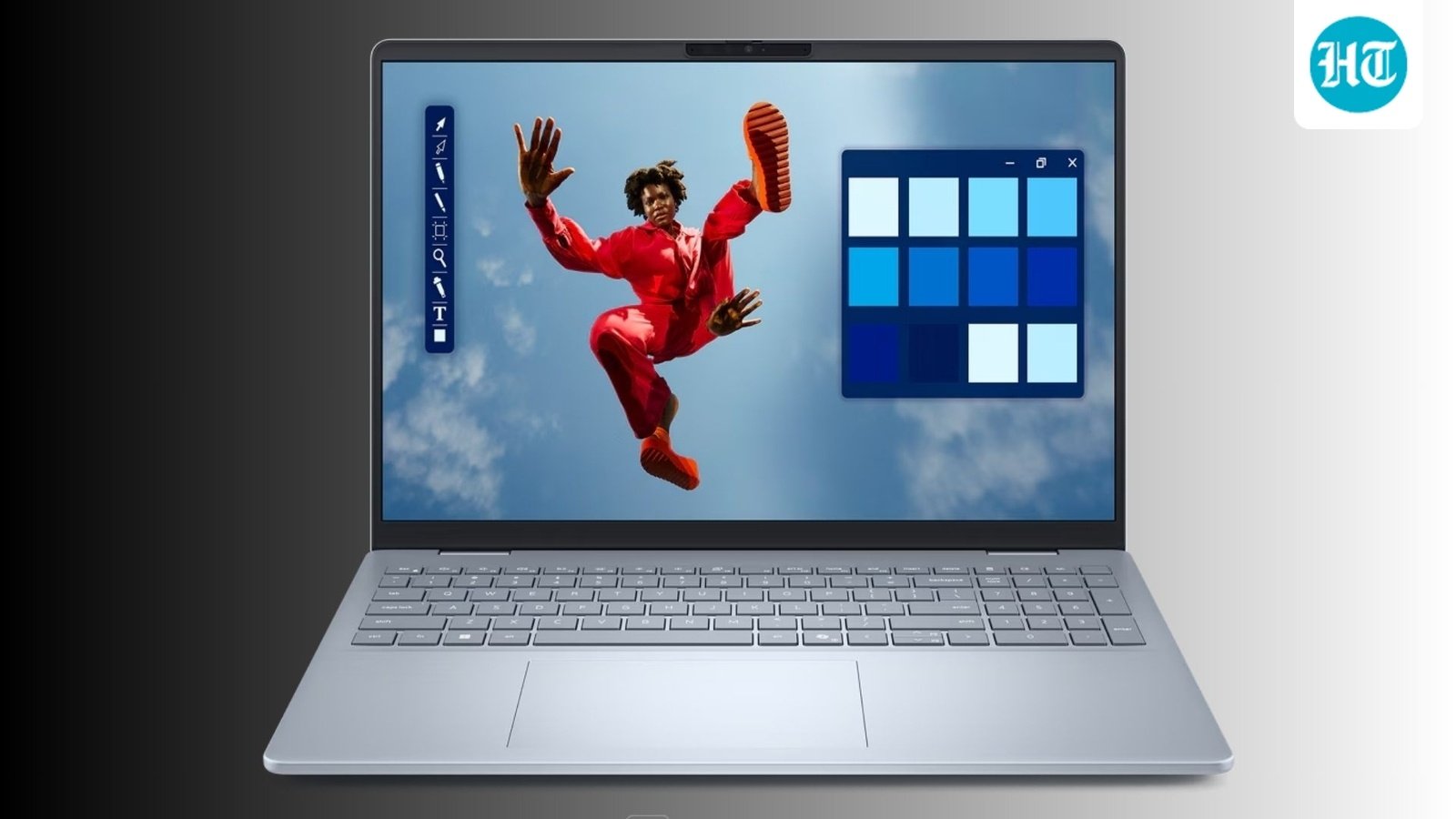
The phrase “AI PC” is everywhere, but let’s be honest: half the time, it feels like a marketing sticker rather than something that actually changes your day-to-day grind.
Dell’s new Dell 15 AI PC lineup takes a refreshingly grounded approach. Instead of chasing benchmark numbers that only look good on paper, these laptops are optimized for real-world pain points: heavy browser tab usage, long video calls, smooth multitasking, and battery endurance.
If you are trying to figure out which configuration actually makes sense for your wallet and your workflow, here is the breakdown.
The Lineup: 4 Configurations Compared
| Configuration | Processor | RAM / Storage | Standout Feature | Best For |
| 1. The Starter | Intel Core Ultra 5 225H | 8GB / 512GB SSD | Dedicated Copilot Key, Integrated NPU | Budget-conscious students, basic office work, web browsing. |
| 2. The Workhorse | Intel Core Ultra 7 225H | 16GB / 512GB SSD | Upgraded CPU + RAM for heavy multitasking | Professionals handling massive spreadsheets & continuous video calls. |
| 3. The Sweet Spot | Intel Core Ultra 5 225H | 16GB / 512GB SSD | 16GB RAM without the Ultra 7 price premium | The smartest value for 90% of everyday users. |
| 4. The Media Choice | AMD Ryzen 5 7530U | 16GB / 512GB SSD | 120Hz Smooth Display, Radeon Graphics | Casual gamers, entertainment, and users who don’t care about AI NPUs. |
3 Key Realities to Keep in Mind Before Buying
1. The 16GB RAM Rule (Skip the 8GB Model)
If you can afford it, completely bypass the base 8GB configuration. Modern web browsers (like Chrome), background cloud apps, video conferencing software, and local AI tools are incredibly memory-hungry. Bumping up to 16GB of RAM will give you a drastically more noticeable performance leap in everyday life than upgrading the processor will.
2. Do You Actually Need an NPU?
The Intel Core Ultra variants feature a dedicated NPU (Neural Processing Unit) designed to efficiently crunch local AI tasks (like blurring your background on a video call without destroying your battery, or running Microsoft Copilot features). If you want an AI-assisted workflow, go Intel.
3. The AMD Curveball
The AMD Ryzen 5 variant handles performance a bit differently. It drops the hyper-focused AI branding but compensates with features that make it a better entertainment machine: a 120Hz high-refresh-rate display for incredibly smooth scrolling and better integrated Radeon graphics for casual gaming.
The Verdict: Don’t just buy the most expensive model assuming it’s “better.” For pure office productivity and budget efficiency, the Intel Core Ultra 5 with 16GB RAM is the clear winner. If you want smoother visuals and casual gaming over AI integration, grab the AMD Ryzen 5 model.
