

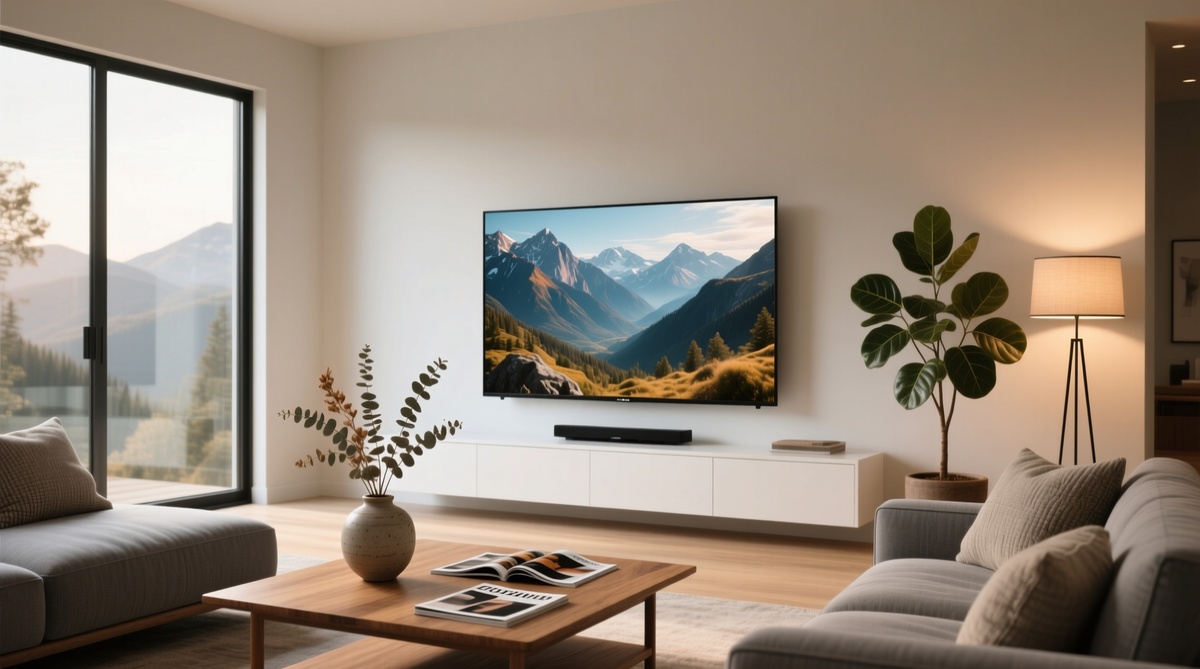
When shopping for a new television, most people make the exact same mistake: they buy the absolute largest screen their budget allows.
In reality, bigger doesn’t always equal better. Cramming a massive display into a compact room can cause eye strain and visual pixelation, while a tiny screen in a massive room leaves you squinting. The key to a cinematic experience lies in matching the screen size perfectly to your viewing distance (the gap between your eyes and the glass).
The Golden Rule of Viewing Distance
To find the sweet spot, use your room’s physical measurements rather than guesswork. Here is how standard seating layouts translate to ideal screen sizes:
Handpicked Picks Across Sizes and Budgets
1. Compact Spaces (Bedrooms & Offices)
-
realme TechLife 32-inch QLED Google TV: A rare entry point that brings QLED color reproduction to a smaller form factor. Complete with a 26W Dolby Audio speaker system, it eliminates the need for an external soundbar in tight spaces.
-
Samsung 32-inch Smart Tizen TV: Ideal for individuals deep into the Samsung ecosystem. Uses PurColor tech and runs on the highly secure Tizen platform, giving you plenty of free streaming channels out of the box.
-
Infinix 32-inch HD Ready Linux TV: The ultimate budget-friendly pick. Features a modern bezel-less design and simple Linux operating system loaded with core streaming apps like YouTube and Prime Video.
2. Medium Living Rooms (The “Sweet Spot”)
-
Haier 55-inch 4K Smart Google TV: Built to anchor a family room. The 4K HDR10 panel uses MEMC (Motion Estimation, Motion Compensation) technology to smoothly reduce blur during fast-paced cricket matches and action cinema.
3. Large Home Theaters
-
Blaupunkt 75-inch QLED 4K Google TV: Tailored for grand spaces. Features a fast 120Hz refresh rate for gaming or sports, Dolby Vision formatting, and a massive built-in 80W Dolby Atmos sound system capable of filling large rooms effortlessly.
5 Critical Checks Before Swiping Your Card
-
Tape Measure Test: Do not guess. Physically measure the wall dimensions and your exact couch-to-wall distance before looking at models online.
-
Resolution Scale: Always buy 4K resolution if you are moving past 43 inches. On lower 1080p screens, large panels stretch the pixels too wide, making images look muddy when viewed up close.
-
Smart Platform Ecosystem: Pick an OS that works with your life. Google TV offers the widest app library; Tizen (Samsung) is highly streamlined; basic Linux is great for simple, lag-free streaming without heavy menus.
-
Audio Output: Check the wattage (W). Smaller TVs range from 20W to 26W. If you are buying a massive panel (like a 65 or 75-inch) and do not own a home theater system, aim for high built-in audio arrays (e.g., 80W Dolby Atmos).
-
Port Access: Ensure the panel has enough HDMI and USB inputs to plug in your gaming consoles, streaming sticks, and external speakers concurrently without annoying cable swapping.
