

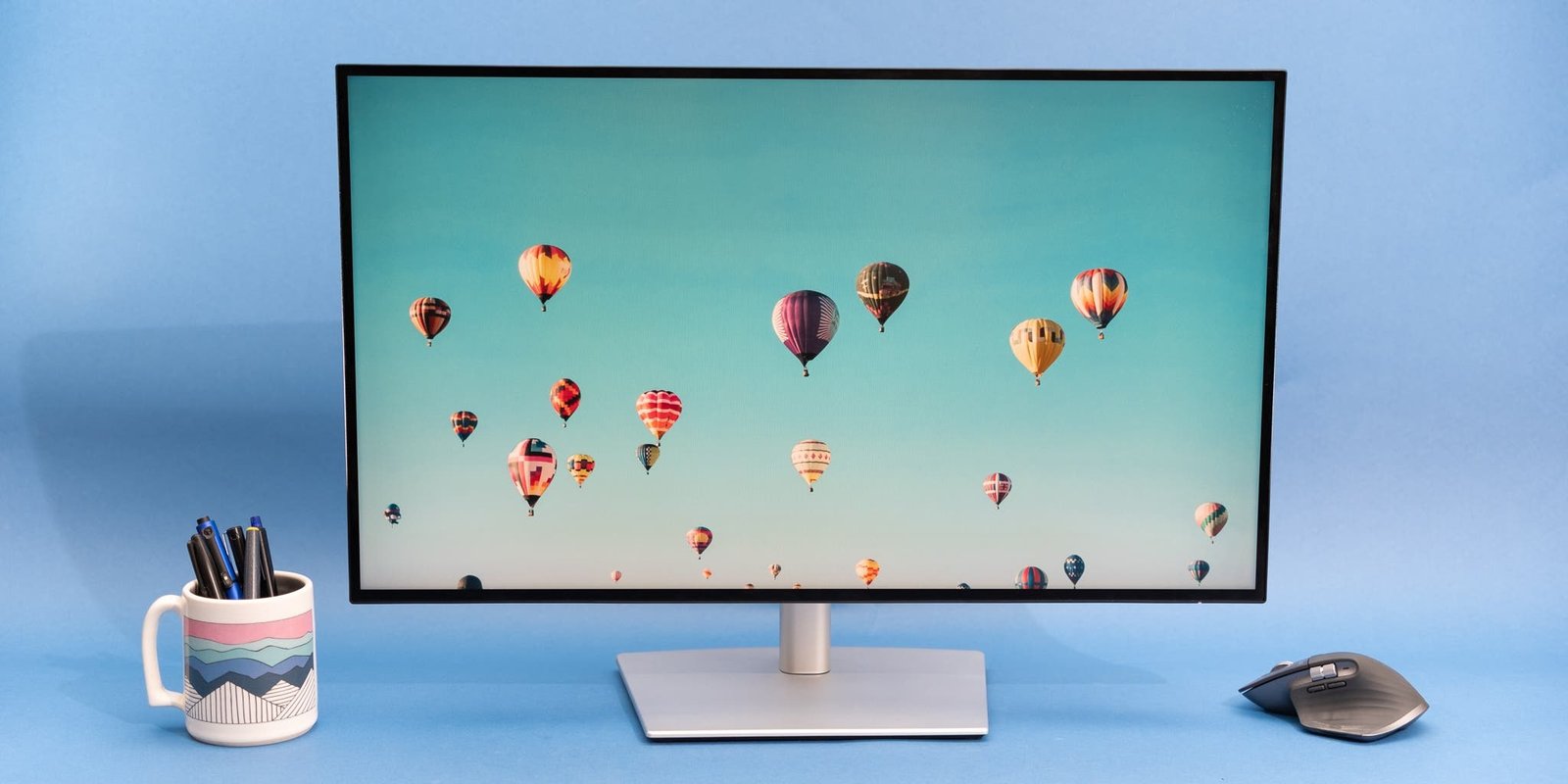
Smart monitors are an excellent way to declutter a workspace, blending traditional desktop productivity with the standalone entertainment features of a smart TV. These versatile displays run independent operating systems like LG’s webOS or Samsung’s Tizen OS. This lets you stream media, mirror mobile devices, and access cloud applications directly through built-in Wi-Fi and Bluetooth—all without needing to turn on a PC or laptop.
Based on recent features, here is a breakdown of the top smart monitor options organized by display size and feature capability.
Compact Displays (Ideal for Smaller Desks and Study Rooms)
These space-saving screens offer color-accurate panels and comprehensive wireless sharing tools, making them a practical choice for smaller workspaces.
LG 25-inch Full HD Smart Monitor (25SR50F-W)
-
Core Takeaway: This compact display pairs a vibrant 24.5-inch IPS panel with built-in webOS 23, making it an excellent dual-purpose hub for tight spaces.
-
Pros & Cons: It features Apple AirPlay 2, two built-in speakers, and consistent color accuracy across wide viewing angles. However, it tops out at Full HD resolution and lacks a USB-C port.
-
Buyer Insights: Users find it highly convenient for small bedrooms and student desks where a separate TV is impractical.
Samsung M5 27-inch Full HD Smart Monitor (LS27FM501EWXXL)
-
Core Takeaway: A highly well-rounded desktop option featuring Adaptive Sound technology that automatically optimizes audio depending on the content playing.
-
Pros & Cons: Includes Tizen OS with free live channels via Samsung TV Plus and an IPS panel. On the downside, it does not support USB Type-C connectivity and peak brightness is somewhat low for HDR content.
-
Buyer Insights: Reviewers note that the 27-inch size provides comfortable real estate for daily multitasking, though the UI can occasionally feel slow when jumping between apps.
Mid-Sized Displays (Great for Balanced Work and Movie Streaming)
Stepping up to a 32-inch display gives you a significantly larger canvas for side-by-side window multitasking and a more immersive TV viewing layout.
LG 32-inch Full HD Smart Monitor (32SR50F-W)
-
Core Takeaway: This model offers an expansive IPS panel that makes it easy to share screen viewing with others in home offices or study rooms.
-
Pros & Cons: It features dual 5W speakers, Apple HomeKit compatibility, and PC Remote Access support. The primary drawback is that 1080p resolution can look slightly less sharp stretched across a 32-inch screen size.
-
Buyer Insights: Frequently purchased as a bedroom TV alternative, though owners note the Magic Remote is sold separately and wireless casting can experience occasional lag.
Samsung M5 32-inch Full HD Smart Monitor (LS32FM501EWXXL)
-
Core Takeaway: This version switches to a high-contrast VA display panel, delivering deeper black levels that greatly improve late-night movie viewing.
-
Pros & Cons: Offers Tizen OS workspace tools, Adaptive Picture adjustments, and screen mirroring. Similar to its smaller sibling, it is limited to Full HD resolution and lacks single-cable USB-C power delivery.
-
Buyer Insights: Praised for rich contrast and strong everyday productivity value, though users occasionally experience interface sluggishness when navigating menus.
Premium 4K Displays (Best for Professionals and High-Res Media)
If you require sharp text rendering for creative design, data spreadsheets, or want true Ultra HD entertainment, these top-tier monitors deliver maximum clarity.
LG 32-inch 4K UHD Smart Monitor (32SR75U-W)
-
Core Takeaway: A premium professional display utilizing a 3840 × 2160 4K VA panel with HDR10 support to offer exceptional picture clarity.
-
Pros & Cons: Features a built-in USB Type-C port with 65W Power Delivery to charge your laptop over a single cable, plus an ergonomic height-adjustable stand. However, the VA panel results in narrower side viewing angles compared to IPS options.
-
Buyer Insights: Highly favored by remote professionals looking to replace multiple devices with one clean, ergonomic desk setup.
Samsung M7 43-inch 4K UHD Smart Monitor (LS43FM701UWXXL)
-
Core Takeaway: This massive model blurs the line between computer monitor and television, introducing Samsung Vision AI processing to optimize display properties automatically.
-
Pros & Cons: Features an expansive 43-inch 4K layout, built-in Gaming Hub, and USB-C single-cable connectivity. The massive physical footprint requires an exceptionally deep desk to sit comfortably.
-
Buyer Insights: Celebrated by users who want a giant screen for complex timelines or an immersive entertainment setup that fully stands alone from a PC.
Smart Monitor Quick Comparison
| Product | Panel & Size | Resolution | Key Ports | OS / Platform |
| LG 25SR50F-W | 24.5″ IPS | Full HD | 2x HDMI, 2x USB-A | webOS 23, AirPlay 2 |
| Samsung M5 (27″) | 27″ IPS | Full HD | 2x HDMI 1.4, 2x USB-A | Tizen OS, Samsung TV Plus |
| LG 32SR50F-W | 32″ IPS | Full HD | 2x HDMI, 2x USB-A | webOS 23, Apple HomeKit |
| Samsung M5 (32″) | 32″ VA | Full HD | 2x HDMI 1.4, 2x USB-A | Tizen OS, Adaptive Picture |
| LG 32SR75U-W | 31.5″ VA | 4K UHD | USB-C (65W PD), 2x HDMI | webOS 23, Height Adj. Stand |
| Samsung M7 (43″) | 43″ VA | 4K UHD | USB-C, 2x HDMI 2.0 | Tizen OS, Vision AI, Gaming Hub |
Recommendation Summary
-
For Tight Budgets & Small Desks: The LG 25SR50F-W or Samsung M5 27-inch keep footprints minimal while offering full smart TV software functionality.
-
For General Work & Movie Contrast: The Samsung M5 32-inch gives you deep VA contrast for movies, though text scaling is limited by its 1080p resolution.
-
For Professionals & Power Users: The LG 32SR75U-W is the ideal all-in-one choice, combining a crisp 4K display, an ergonomic stand, and single-cable laptop charging.
