
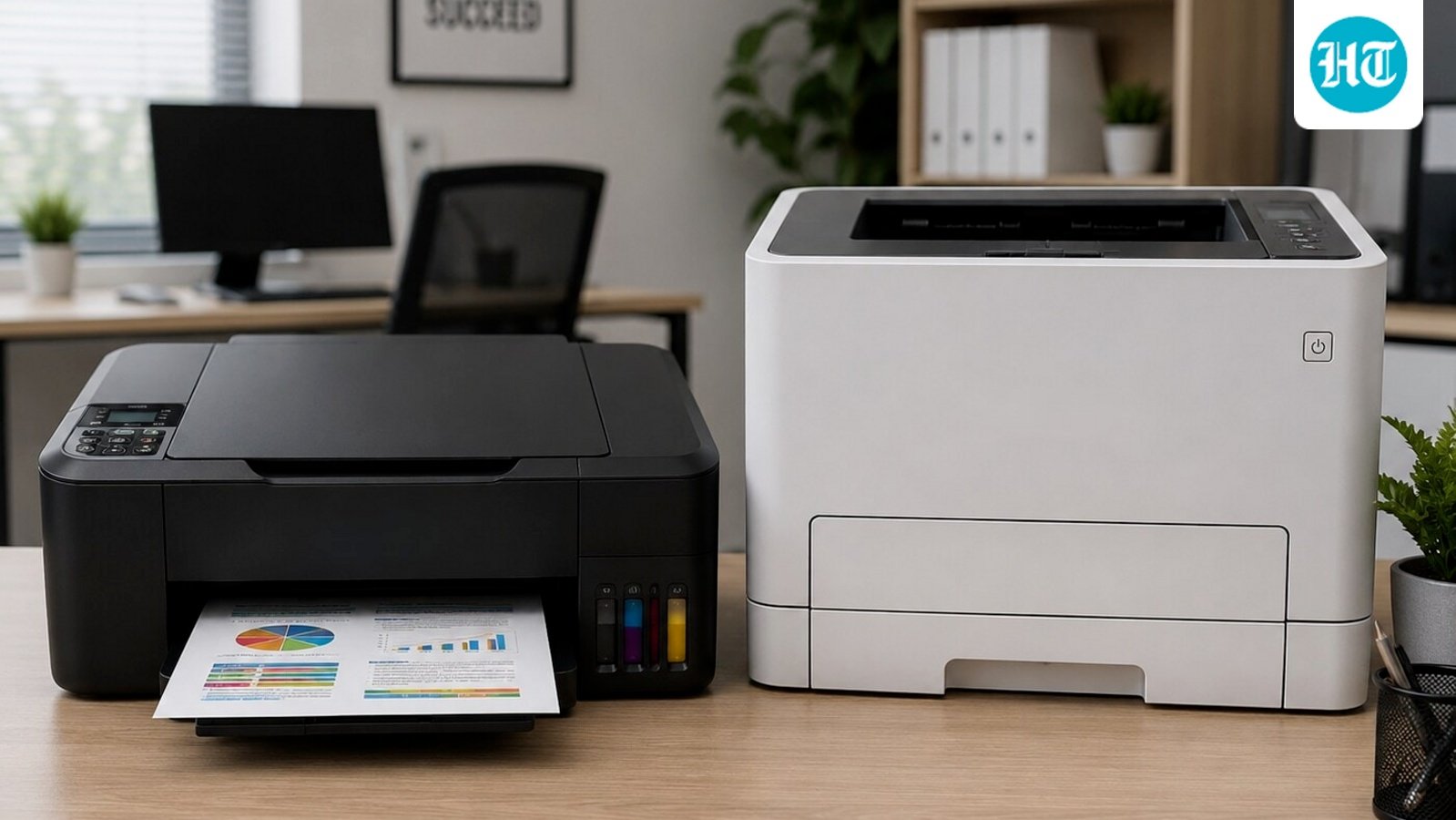
Choosing a printer in 2026 is no longer just about the sticker price; it’s about calculating the Total Cost of Ownership (TCO). Whether you are a student printing assignments or a professional managing a home office, the choice between Ink Tank and Laser technology can save (or cost) you thousands over the machine’s lifespan.
Based on 2026 market trends, here is the breakdown of which technology wins for your specific needs.
The Verdict: Cost per Page vs. Maintenance
| Feature | Ink Tank Printers | Laser Printers |
| Best For | Color photos, school projects, high-volume home use. | Text-heavy documents, invoices, irregular “occasional” use. |
| Running Cost | Ultra-Low. Refillable tanks provide thousands of pages for pennies. | Medium-Low. Toners are pricier but highly efficient for black & white. |
| The “Drying” Risk | High. Ink can clog if the printer sits idle for weeks. | Zero. Toner powder never dries out. |
| Speed | Slower (approx. 10 ppm). | Fast (up to 30 ppm). |
Top 2026 Printer Recommendations
1. Best for Home & Students: HP Smart Tank 589
This is the “Value King” for 2026. It offers a spill-free refill system and includes enough ink in the box for up to 6,000 color prints.
-
Why buy: It features self-healing Wi-Fi, meaning your wireless connection won’t drop mid-print.
-
Cost Efficiency: Extremely low cost-per-page for color documents.
2. Best for High-Volume Text: HP 303d Laser
If you print hundreds of pages of black-and-white reports or legal documents, this is the specialized tool you need.
-
Why buy: It features Automatic Duplexing (double-sided printing) and speeds of 30 pages per minute.
-
Maintenance: Since it uses toner, you can leave it off for three months and it will print perfectly the second you turn it back on.
3. Best for Small Offices: Brother DCP-L2541DW
A robust “Workhorse” that balances speed and functionality.
-
Why buy: It combines printing, scanning, and copying with wireless support. Brother toners are famously efficient, keeping long-term business costs predictable.
5 Crucial Questions to Ask Before You Buy
-
How often will I print? If you print once a month, go Laser. Ink tanks will clog if not used weekly.
-
Do I need color? If you only need color for the occasional chart, an Ink Tank is more affordable. If you need professional-grade color presentations, look at a Color Laser like the Canon MF746Cx.
-
Is “Auto-Duplex” a dealbreaker? Manually flipping pages to print on both sides is a chore. If you print long reports, ensure your printer (like the HP 303d or Brother L2541DW) has Automatic Duplexing.
-
Where will it sit? Laser printers (especially color ones) are significantly bulkier and heavier than compact Ink Tanks.
-
Is Wi-Fi necessary? While USB-only models (like the Epson L3210) are cheaper, in 2026, the convenience of printing directly from your smartphone via an app is usually worth the extra ₹1,000–₹2,000.
Summary of Top Picks
-
Best Budget Ink Tank: Canon PIXMA E4570 (includes Fax/ADF).
-
Best Bulk Ink Tank: Epson EcoTank L3210 (massive ink yields).
-
Best Monochrome Laser: Canon MF3010 (compact and reliable).
-
Best Premium Color Laser: Canon MF746Cx (office-grade speed and quality).
