

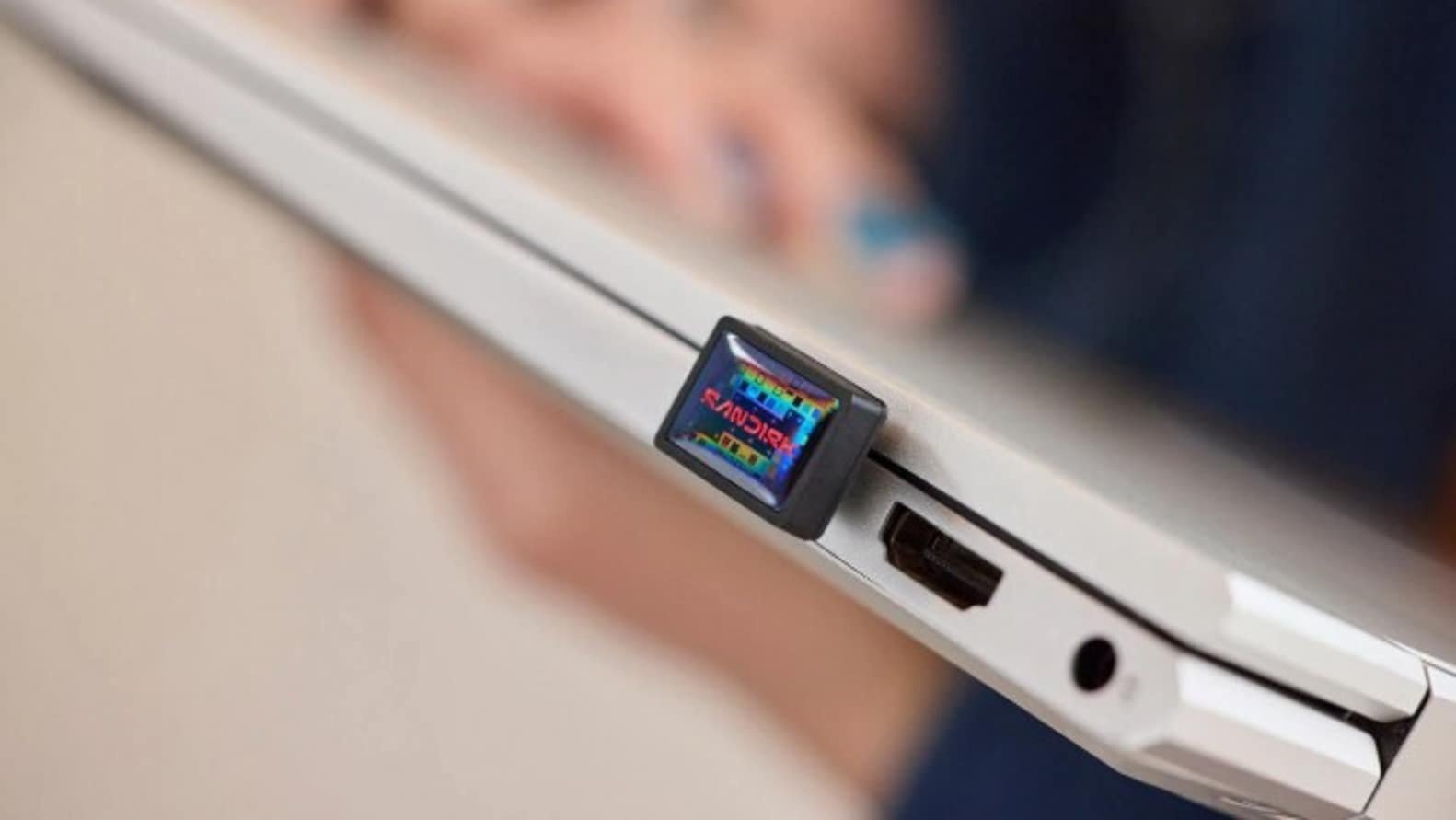
Running out of local device storage is a common headache, but carrying a bulky external hard drive or SSD isn’t always practical. Designed for modern laptops, tablets, and smartphones, the SanDisk Extreme Fit USB Type-C Flash Drive aims to bridge that gap by packing massive storage capacities into an ultra-low-profile form factor.
Its “leave-in” design allows the drive to sit almost flush against a USB-C port, functioning as semi-permanent storage that you can safely keep plugged in even when sliding your laptop into a bag.
SanDisk Extreme Fit Lineup at a Glance
| Capacity | Max Read Speed | Discounted Price | Original Price |
| 64 GB | Up to 300 MB/s | ₹2,929 | ₹6,900 |
| 128 GB | Up to 400 MB/s | ₹4,089 | ₹9,700 |
| 256 GB | Up to 400 MB/s | ₹6,600 | — |
| 512 GB | Up to 400 MB/s | ₹12,600 | — |
| 1 TB | Up to 400 MB/s | ₹24,600 | — |
Key Product Highlights
1. Ultra-Compact “Leave-In” Form Factor
The standout feature of the Extreme Fit series is its physical footprint. Billed as one of the smallest USB Type-C flash drives on the market, it eliminates the worry of snapping or bending a standard protruding thumb drive while moving around your workspace.
2. High-Speed File Transfers
Equipped with a USB 3.2 interface, the drive is engineered to handle large media assets like 4K videos, massive photo libraries, and complex presentations. The 128GB to 1TB tiers boast transfer speeds up to 400 MB/s, while the base 64GB tier offers up to 300 MB/s.
3. Cross-Device Ecosystem Compatibility
Because it utilizes a native USB Type-C connector, the drive offers plug-and-play functionality across a broad spectrum of hardware, including Windows laptops, MacBooks, iPads, Android tablets, and compatible smartphones without requiring an adapter.
4. Integrated File Management & Backups
SanDisk includes compatibility with its Memory Zone app (available for Windows and macOS systems). The software allows users to seamlessly organize, restore, and set up automated file backups to ensure critical data isn’t lost if a primary device fails.
5 Things to Consider Before Buying a USB-C Flash Drive
-
Assess Your Capacity Needs: Opt for 64GB or 128GB if you primarily store office documents, PDFs, and spreadsheets. If you are dealing with high-res photography, raw video files, or offline media libraries, look toward the 512GB or 1TB variants.
-
Speed Matters for Large Files: If you frequently move multi-gigabyte folders, choose the 128GB tier or higher to unlock the faster 400 MB/s read thresholds.
-
Physical Footprint & Port Blockage: Ultra-small drives are perfect for staying plugged in continuously, but their tiny size makes them easier to misplace if you unplug them often. Furthermore, check that the drive’s casing doesn’t block adjacent ports on thin laptops.
-
Interface Consistency: Ensure your primary daily devices have native USB-C ports. While highly versatile for modern hardware, it won’t fit older legacy USB-A ports without an adapter.
-
Software Utilities: Take advantage of included companion backup tools. Features like automated syncing can save significant time and add an extra layer of data security.
