

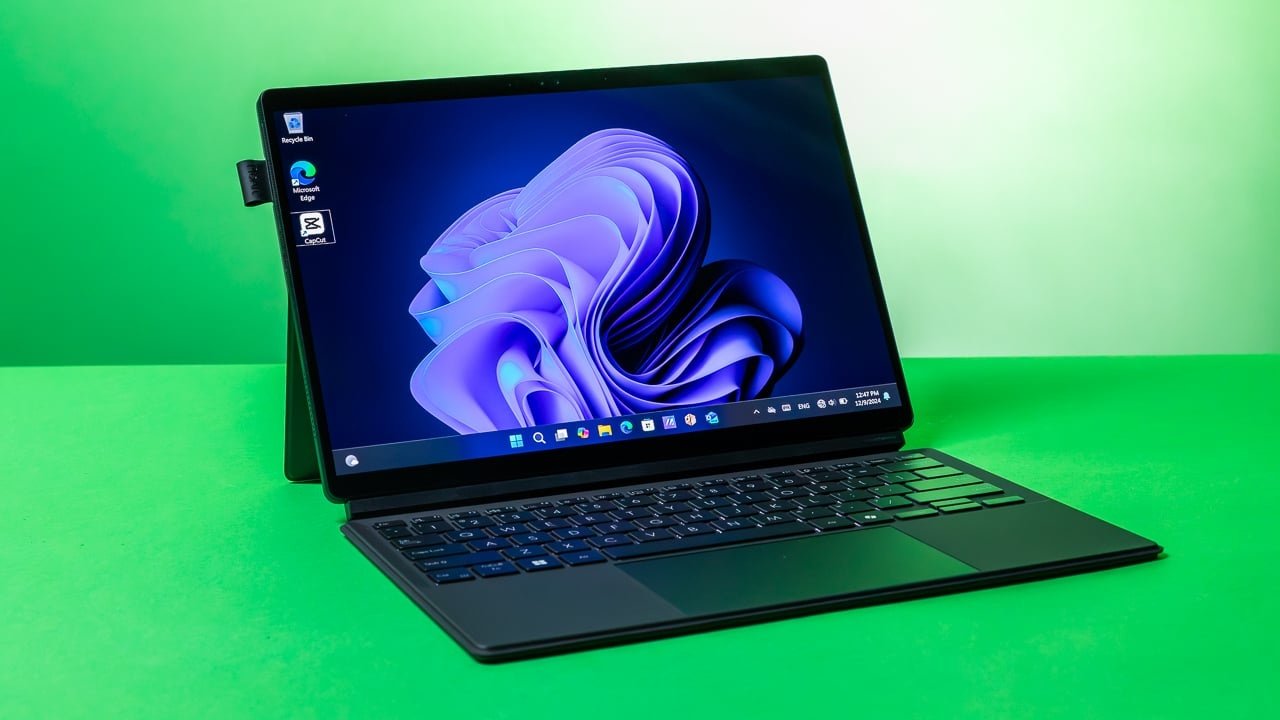
After years of relying on a traditional laptop for everyday tasks—writing, conducting research, hopping on video meetings, and lightweight document editing—switching to a modern tablet with proper keyboard integration completely transformed my mobile workflow. The combination of instant responsiveness, lighter weight, and refined multitasking capabilities makes carrying a bulky laptop far less necessary.
Whether you need a dedicated work machine, a creative drawing canvas, or an entertainment powerhouse that seamlessly transitions into productivity mode, here are the top tablet options to consider.
Top Recommendations at a Glance
| Tablet | Display | Processor | Battery | Best For |
| Lenovo Idea Tab | 11″ 2.5K, 90Hz | MediaTek Dimensity 6300 | 7040 mAh | Best Overall Budget All-in-One |
| Lenovo Tab Plus Gen 2 | 12.1″ 2.5K, 120Hz | MediaTek Dimensity 7400 | 10200 mAh | Immersive Media & Entertainment |
| OnePlus Pad 2 | 12.1″ 3K, 144Hz | Snapdragon 8 Gen 3 | 9510 mAh | High-Performance Multitasking |
| OnePlus Pad Go 2 | 12.1″ 2.8K, 120Hz | MediaTek Dimensity 7300 Ultra | 10050 mAh | Mid-Range Daily Driver |
| Xiaomi Pad 8 | 11.2″ 3.2K, 144Hz | Snapdragon 8s Gen 4 | 9200 mAh | Ultra-Slim Flagship Power |
| Xiaomi Pad 8 Creator’s Edition | 11.2″ 3.2K, 144Hz | Snapdragon 8s Gen 4 | 9200 mAh | Digital Artists & Note-Takers |
| HP OmniPad 12 | 12″ 2K, 90Hz | Snapdragon 6 Gen 3 | Up to 18 Hours | Detachable Desktop Experience |
| Lenovo Yoga Tab Plus | 12.7″ 3K, 144Hz | Snapdragon 8 Gen 3 | 10200 mAh | Power Users & Heavy Desk Work |
Key Picks Breakdown
Lenovo Idea Tab (Best Overall)
-
The Highlights: Includes both a bundled folio keyboard and Tab Pen right out of the box, alongside built-in 5G cellular connectivity.
-
Why Choose It: Perfect for students and mobile professionals who want an affordable, all-in-one productivity kit without paying extra for mandatory accessories.
OnePlus Pad 2 (Best Performance)
-
The Highlights: Powered by the flagship Snapdragon 8 Gen 3 chip, paired with 12GB RAM, a buttery-smooth 144Hz 3K display, and fast 67W charging.
-
Why Choose It: Ideal for demanding workloads, heavy app switching, high-end gaming, and users relying heavily on desktop-style split-screen multitasking.
Xiaomi Pad 8 & Creator’s Edition (Best Slim Powerhouses)
-
The Highlights: Ultra-slim metal design featuring a 3.2K 144Hz panel, Snapdragon 8s Gen 4 processor, and Wi-Fi 7. The Creator’s Edition upgrades memory to 12GB RAM, 256GB storage, and bundles the pressure-sensitive Focus Pen Pro.
-
Why Choose It: Select the standard Pad 8 for top-tier portable performance, or the Creator’s Edition if precise pen input and sketching are critical to your routine.
HP OmniPad 12 & Lenovo Yoga Tab Plus (Best Laptop Alternatives)
-
The Highlights: The HP OmniPad 12 offers a full 2-in-1 detachable keyboard experience with long battery life, while the Lenovo Yoga Tab Plus provides an expansive 12.7-inch 3K display, 16GB RAM, 512GB storage, and 6-speaker audio.
-
Why Choose It: Great for users who want to replicate a true desktop or laptop environment on a tablet form factor.
Why Tablets Can Replace Your Laptop
-
Keyboard & Trackpad Support: Attaching a dedicated keyboard cover turns modern tablets into functional typing workstations.
-
Enhanced Multitasking: Desktop-style windowing and split-screen modes handle research, note-taking, and communication simultaneously.
-
Superior Portability & Endurance: Tablets offer lighter footprints, all-day battery life, and instant-on convenience when working away from a desk.
-
Stylus & Touch Inputs: Marking up documents, hand-writing notes, and photo editing are far more intuitive with a pen than a trackpad.
